Your Cart
Loading

Ready to elevate your book launch?

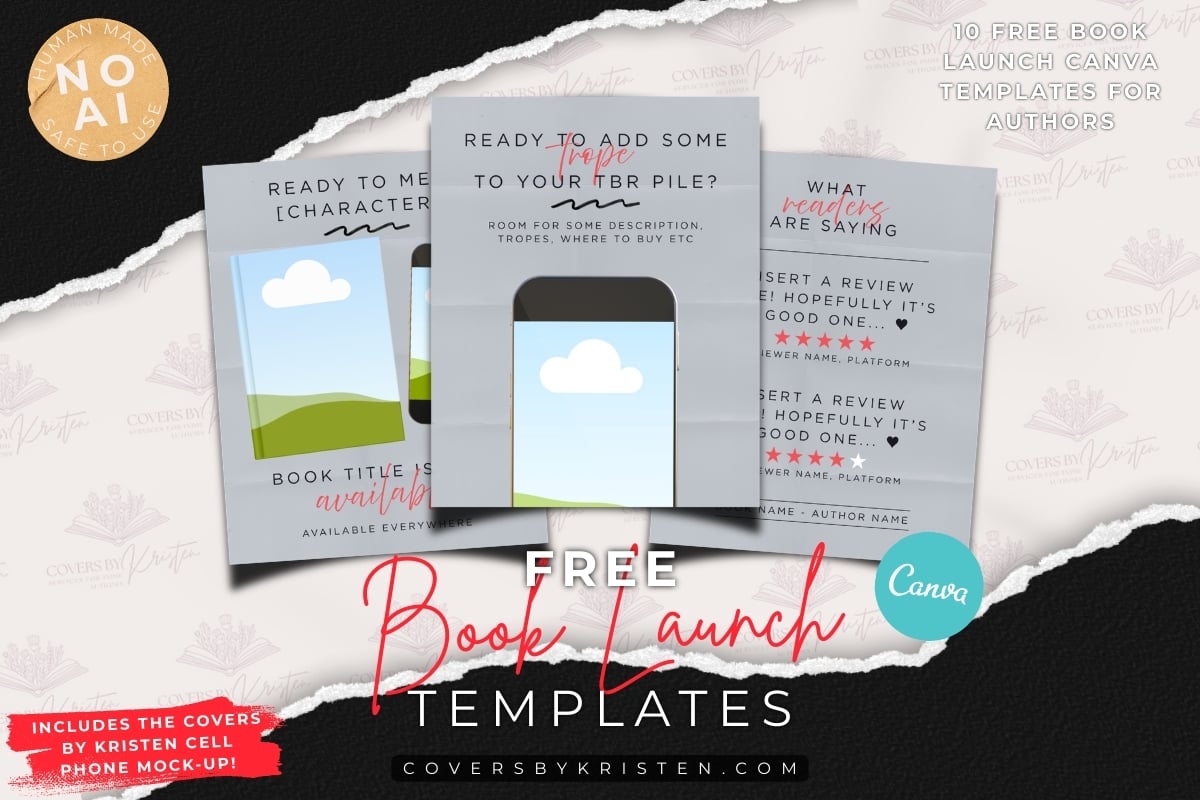
If you're here, it means you're about to grab a bunch of easy-to-edit Canva templates that can make your book launch that much easier. This collection of ten AI-free Canva templates even comes complete with the bespoke Covers by Kristen cell phone mock-up, designed specifically for authors.


And if you're ready to make the jump to high quality, affordable, genre-focused templates for your author biz, check out my entire collection over on Etsy!
Author Canva Templates To Elevate Your Brand

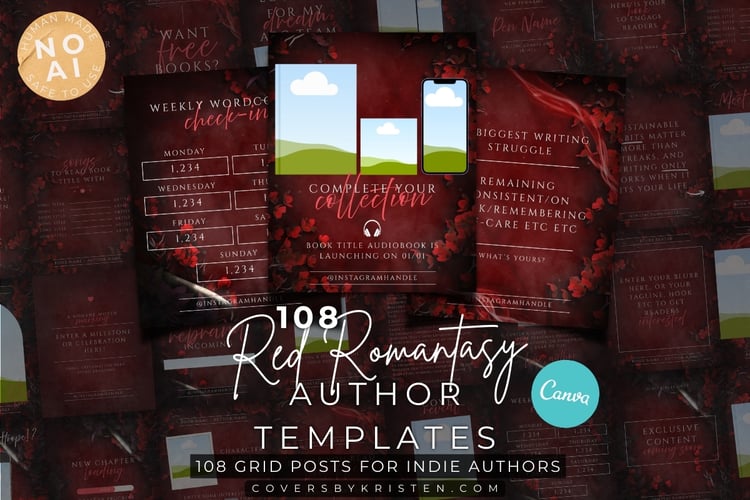
Romantasy Templates made for Authors

Magical daggers, vivid flowers and atmosphere... the perfect marriage of elements for romantasy authors. Bespoke stock designed in-house - no AI, and perfectly tailored for fantasy romance authors.

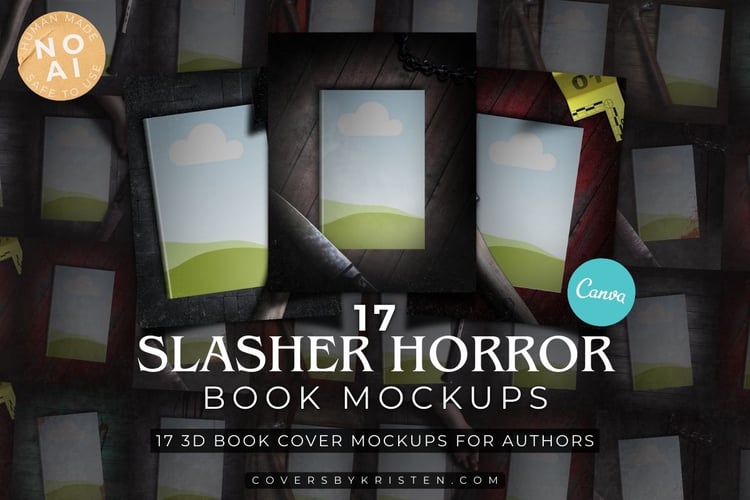
3D Mock-ups for Authors, not Designers

Keep your genre visible, even with your mock-ups. Custom 3D mock-ups designed for horror authors, so your genre doesn't have to take a back seat when you're revealing your cover.

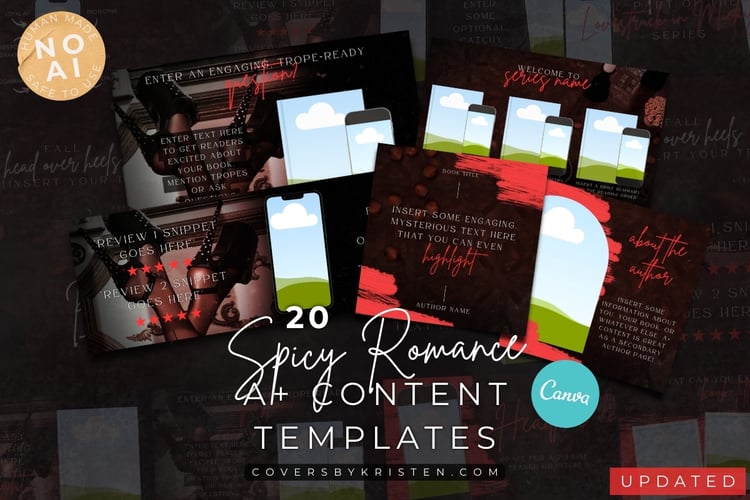
Spicy A+ Content Templates for Every Author Need

Genre-focused A+ content templates in a range of sizes and ratios, designed with spicy romance authors in mind. Versatile, unique, and made with custom 3D renders... no AI, ever.

Get Your Free Book Launch Templates Here

Take at least some of the stress out of your launch. Grab your free book launch templates here, and see why everyone raves about Covers by Kristen's Canva templates for authors - and my bespoke cell phone mock-up.

Ready to expand your collection?

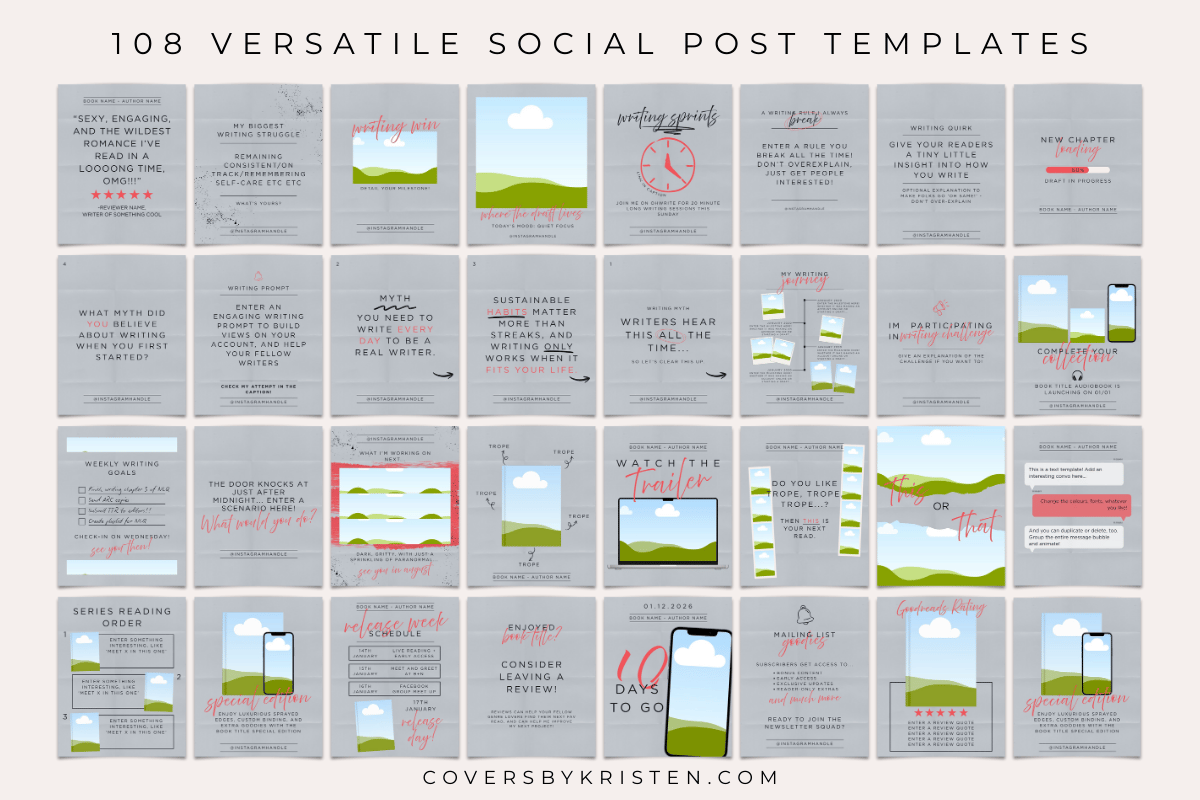
Keep your branding consistent. If you're as in love with the free book launch templates as I am, then you can grab the matching author Instagram templates (as well as newsletter templates, A+ templates, and anything else!) over on Etsy.

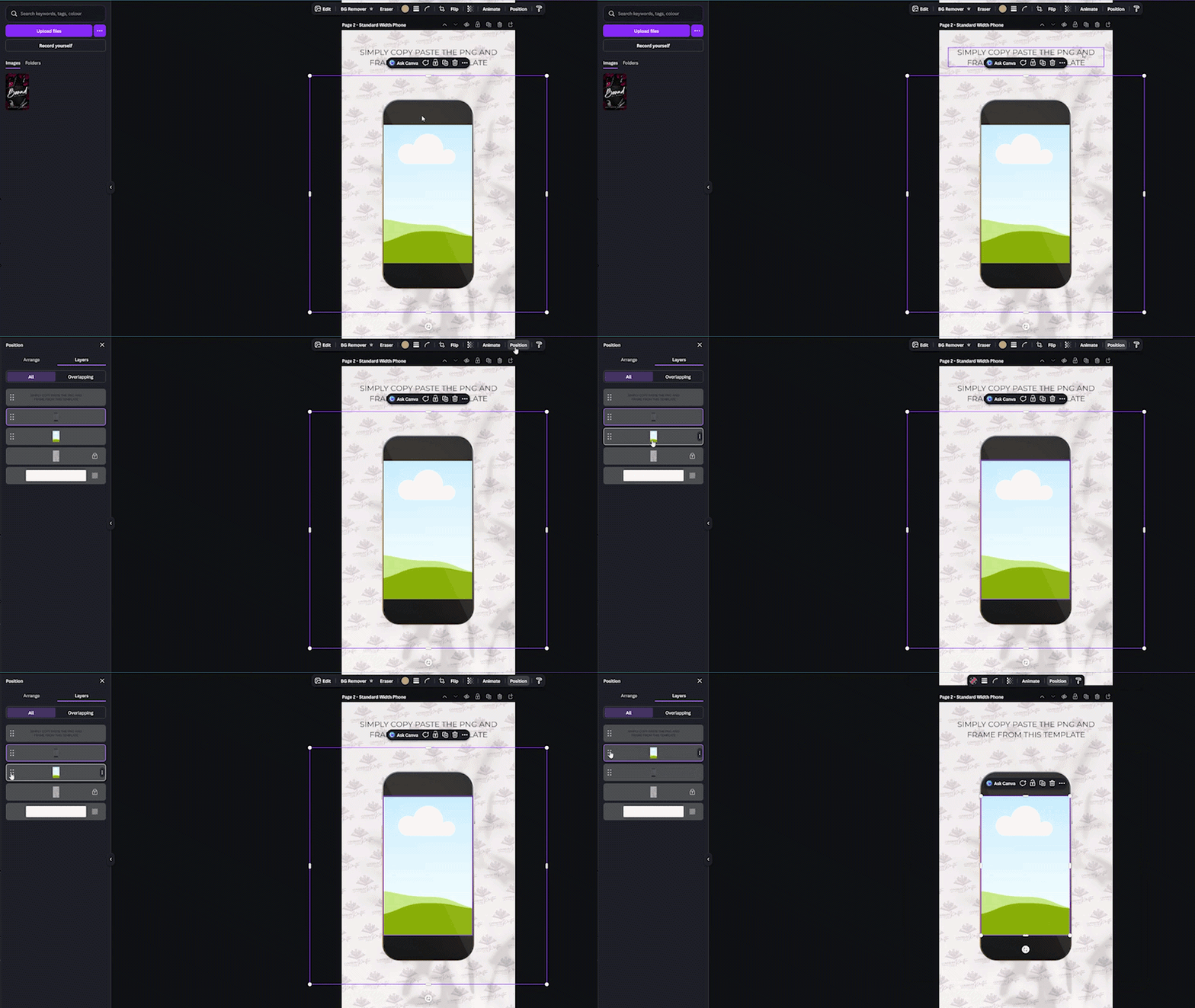
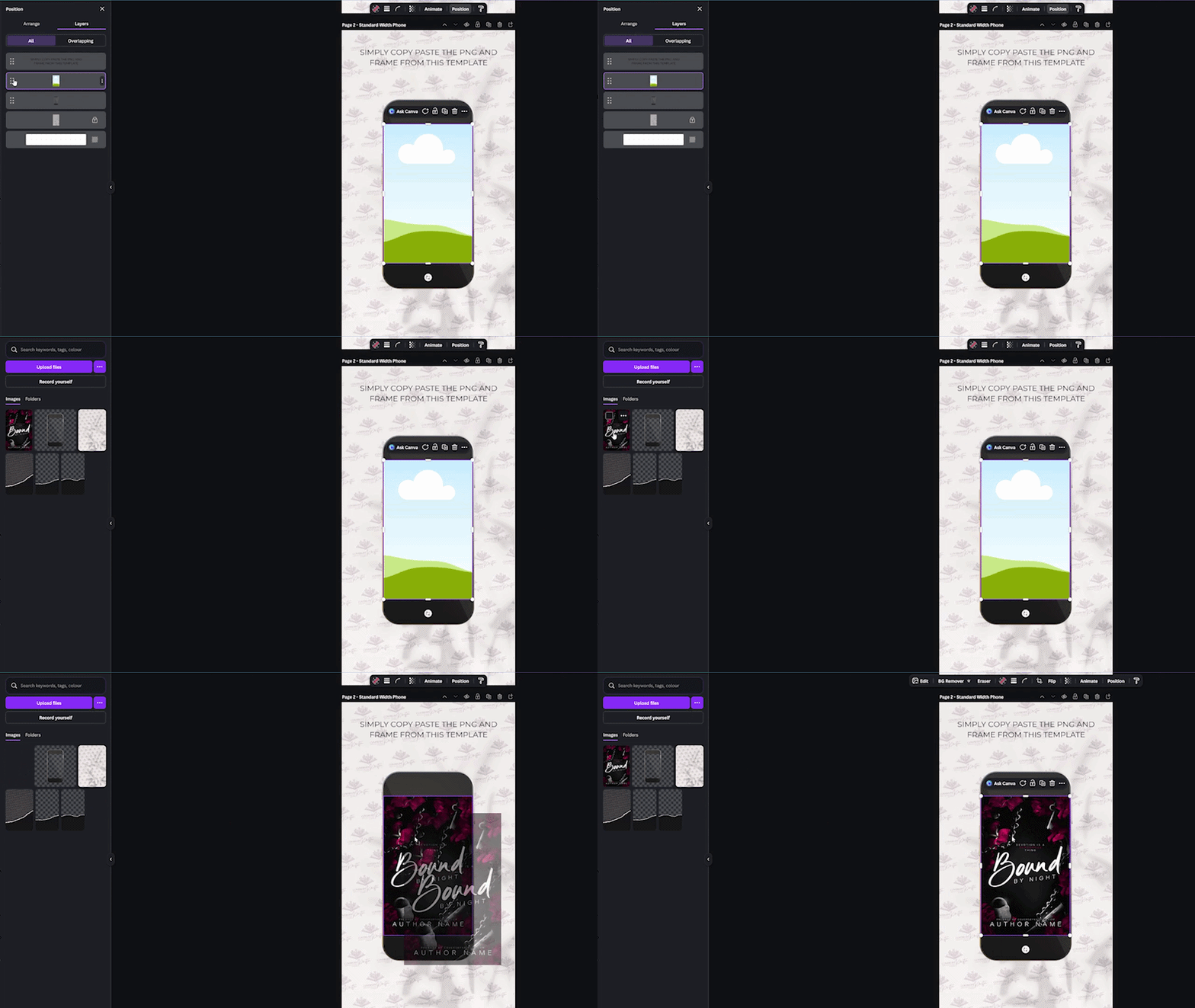
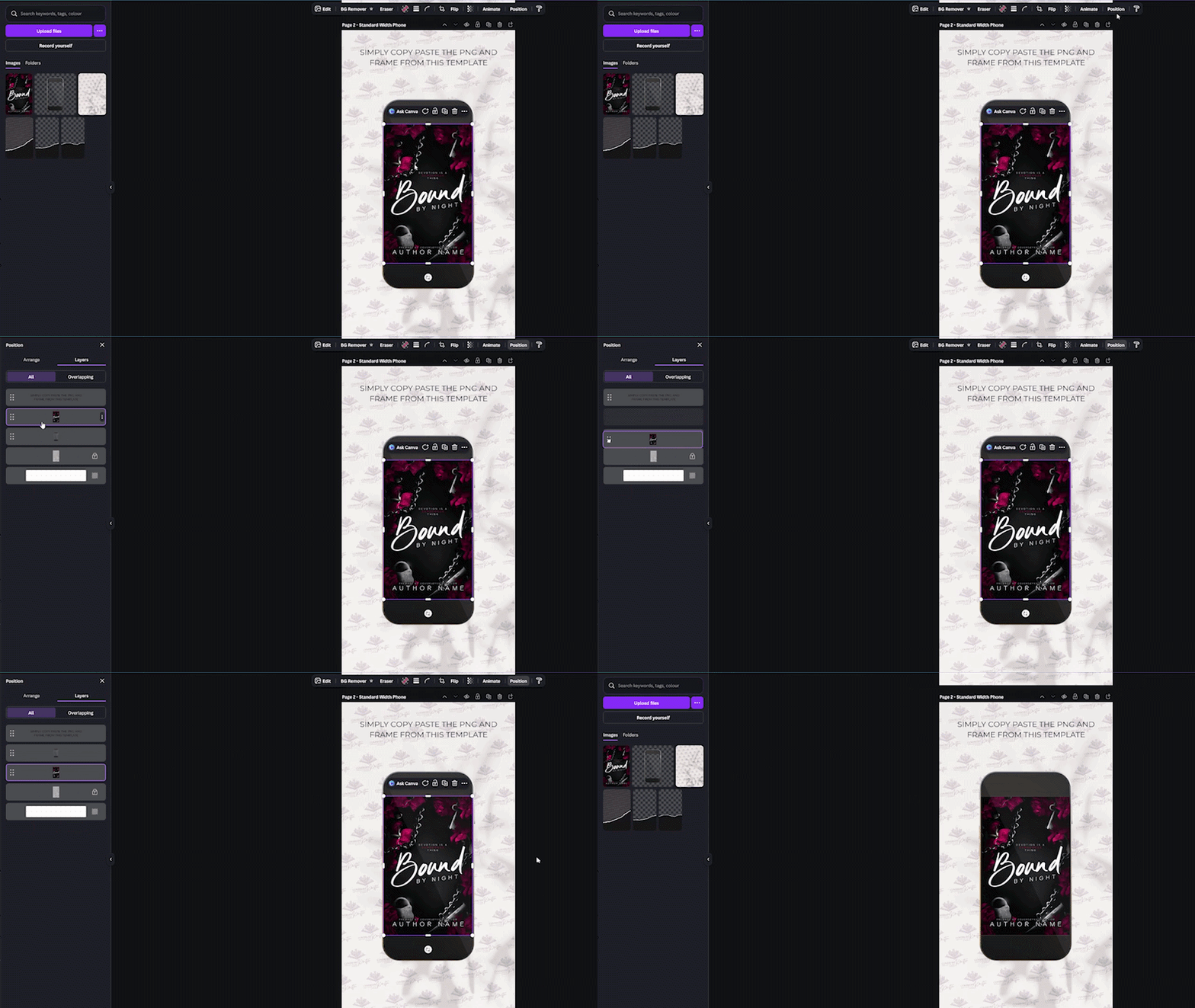
Need help editing your cell phone mock-up?

1) Go to layers

Go to the layers panel to find the frame underneath the cell phone PNG. Drag it above the cell phone.

2) Insert your cover

Drag and drop your cover into the frame.

3) Put the frame below the cell phone

All done? Go back to layers and drag the frame underneath the cell phone again. And finished!